Phone lost?
Codes gone, and every account becomes a recovery ticket.
Hundreds of TOTP codes, organized in vaults, spaces and groups. Encrypted on your device, synced zero-knowledge, never locked in.
Most authenticators are a flat list on a single device. That works, right up until it doesn't.
Codes gone, and every account becomes a recovery ticket.
An unsearchable flat list where nothing has a place.
Client codes next to your bank, one tap apart.
Most apps hold your secrets hostage with no export.
Organized, encrypted, recoverable, and yours.
One passphrase becomes your encryption key. Everything is sealed on your device with AES-256-GCM.
Scan Google Authenticator's transfer QR, or import Aegis, 2FAS, JSON or CSV with a preview and undo.
Face ID on your phone, passphrase on the web. Optional sync restores everything on a new device.
Vaults hold spaces, spaces hold nested groups, groups hold your accounts. Ranked search cuts through all of it in a keystroke.
Step-by-step guides, each checked against the service's own help page.
Every entry is encrypted on your device before it syncs. Sign in on a new phone, enter your passphrase, and your whole vault comes back: spaces, groups, everything.
Scan the transfer QR (step-by-step import guide) and every account arrives with a preview. Duplicates detected, invalid entries flagged, nothing skipped silently, and the whole batch undoable.
Coming from Authy? Read the Authy alternative guide. Prefer the desktop? See the web authenticator.
Personal and company vaults on one device. Separate passphrases, separate keys, cryptographically independent.
Face ID and fingerprint on mobile, with your master key in the hardware Keychain or Keystore.
Deleted entries wait 30 days for recovery. Archives keep old accounts out of the way without losing them.
Codes hidden until touched, clipboard auto-cleared. Set per space, so Work can be stricter than Personal.
Web, iPhone and Android share one tested core. Identical behavior and security everywhere.
Your codes, the standard way. Anything that speaks TOTP or HOTP can read what KeyNesta exports.
Native apps, not web wrappers, sharing one tested engine. Your codes look and behave identically on every device.


Native app with Face ID unlock and camera QR scanning.
App Store, coming soon Notify me at launchNative app with biometric unlock and camera QR scanning.
Play Store, coming soon Notify me at launchIf the free version isn't trustworthy, the paid one won't be either. The core is free forever: no ads, no data sales, no account required.
Yes. Everything in the app today, including zero-knowledge sync, is free during the launch period. A premium tier is planned for extras such as automatic cloud backups, more synced devices and smart groups. Code generation, manual encrypted backups and export stay free forever, with no ads.
No. Secrets are encrypted on your device with AES-256-GCM under a key derived from your passphrase with scrypt. The sync server only ever stores ciphertext. It cannot decrypt your vault, and neither could anyone who compromised it.
With encrypted sync enabled, sign in on a new device, enter your vault passphrase, and your entire vault is restored: spaces, groups, tags, everything. Prefer no account? Encrypted backup files, created and restored in the web app, do the same job offline. A lost phone is not a lost identity.
In Google Authenticator, choose Transfer accounts, then Export, and scan the QR with KeyNesta. You get a full preview with duplicate detection before anything is saved, and the whole import can be undone with one tap. Aegis, 2FAS, JSON and CSV work too.
Always. Codes are generated on-device using standard TOTP (RFC 6238); no internet connection is ever required to see your codes. Sync and backups are optional additions, never dependencies.
Two ways. Spaces organize accounts inside one vault, each with its own security policy. For hard separation, create multiple vaults. Each has its own passphrase, encryption key and optional sync account, and unlocking one reveals nothing about another.
Yes, if you want backups and organization. Import your existing codes with the transfer QR, then keep them in encrypted backups, spaces and groups, with a web app on the desktop. The Google Authenticator alternative guide has the full comparison.
Yes. The web app runs in any modern browser at app.keynesta.com with the same vault format as the phone apps, so codes, imports and backups all work on a computer. The web authenticator guide explains how the vault stays private in the browser.
Yes. In the web app, your sync account can use Google, Apple, or an email and password. Signing in only identifies your account for sync. Your vault passphrase stays separate, never leaves your device, and is still what decrypts your codes, so Google and Apple never see them. The iPhone app offers the same choices at launch.
Open the web app, choose Use without an account, then Have a backup file? Restore it instead. Pick your .keynesta file, enter its backup password, and set a new passphrase for this device. If a vault is already open, Settings can replace its contents with the backup instead.
Not yet. KeyNesta uses standard, audited primitives (AES-256-GCM, scrypt, HMAC) and documents the full architecture publicly. An independent review is on the roadmap and will be published when complete.
New posts on choosing a second factor, backing up codes, and switching apps.
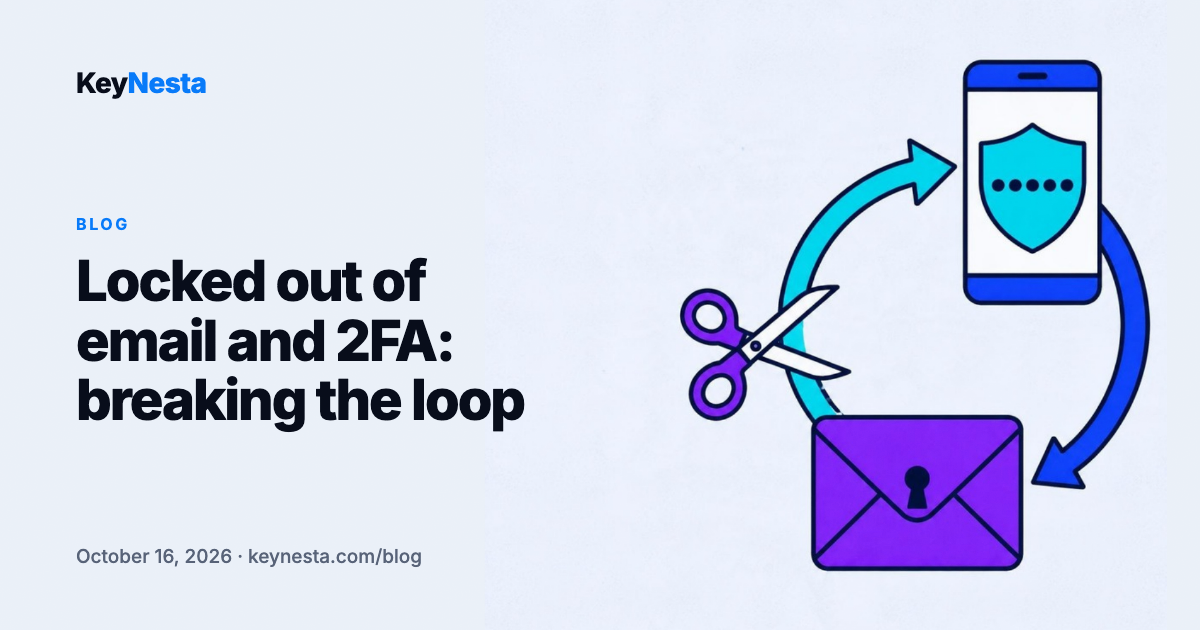
Your second factor lives in an app whose recovery runs through an email that needs that same app. How to map the chain, find the ring, and break it.
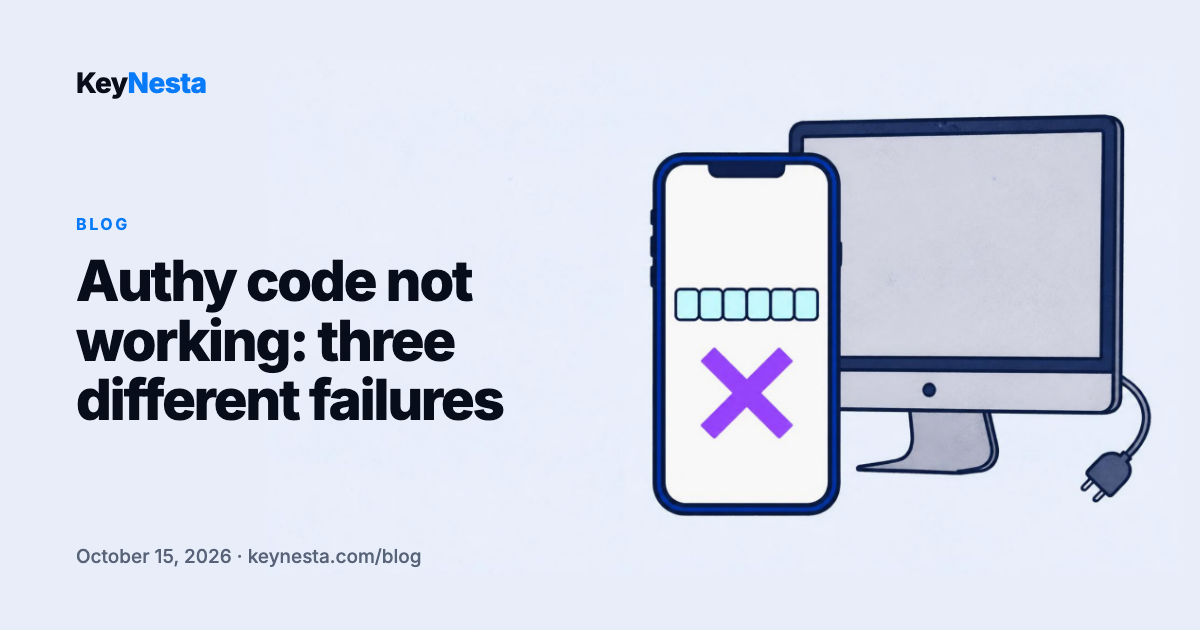
Authy fails in ways other authenticators do not: a retired desktop app, multi-device, a backup password nobody can reset, and no export to fall back on.
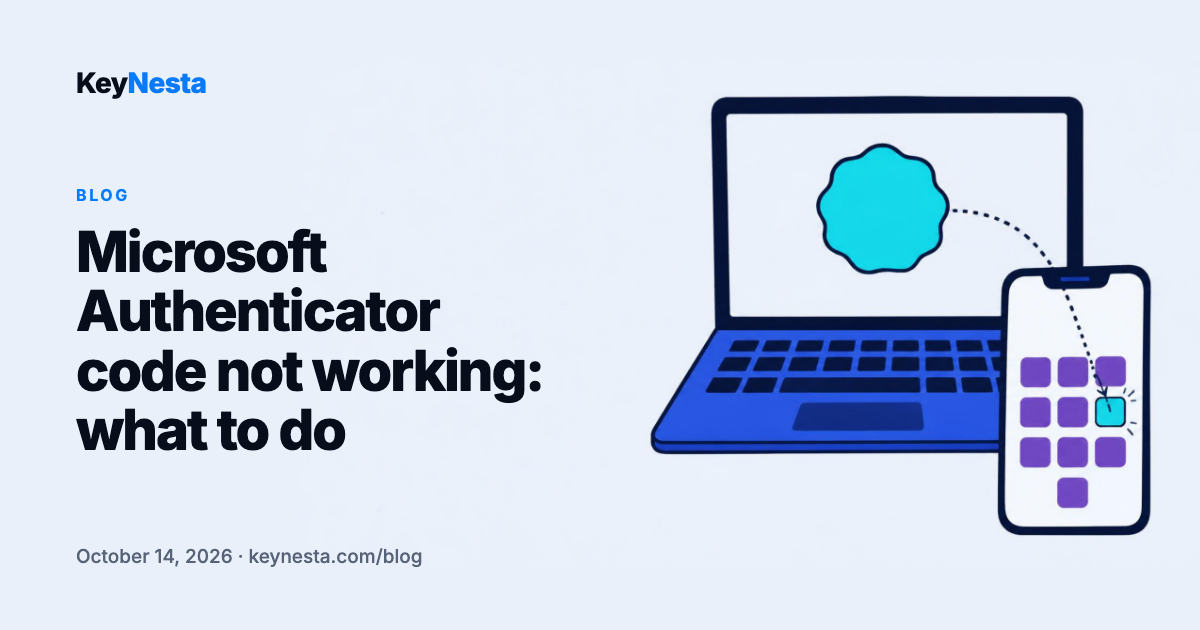
Push approval and six-digit codes fail for different reasons. Number matching, work and school accounts, and what a cloud backup restore actually brings back.
Organize. Encrypt. Sync. Own your two-factor authentication, and leave whenever you want.
Free forever. No account needed. No ads.